Check Agent Monitoring
Check real-time resource usage of your shared node from the agent app.
Tip
Agent monitoring is local monitoring done within the agent app installed on your PC. It operates separately from the monitoring feature in the console.
How to Check Monitoring
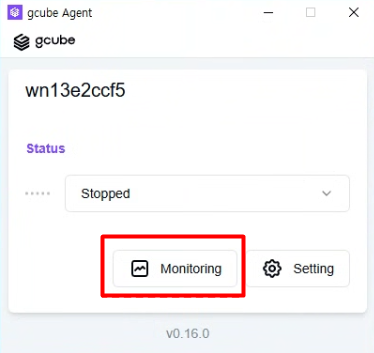
- Click the Monitoring button in the agent program.
- Check real-time resource usage on the Node Monitoring screen.
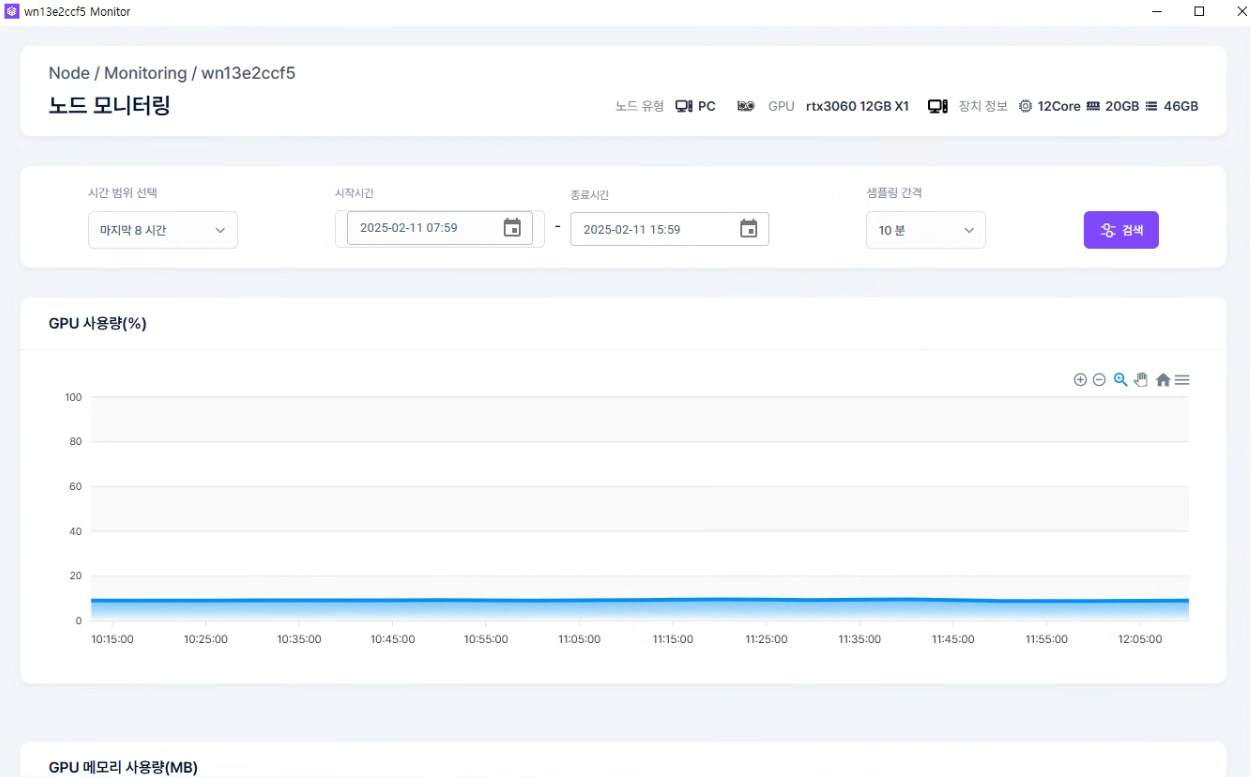
Available Metrics
| Item | Description |
|---|---|
| GPU Usage & Utilization | Current GPU compute usage rate |
| VRAM Usage | GPU memory usage status |
| CPU Usage | Processor usage rate |
| Memory Usage | System RAM usage status |
| Disk Usage | Storage space usage status |
| Network Traffic | Inbound/outbound network traffic |