Monitoring
Check real-time GPU, CPU, and network usage of your deployed workload.
Tip
Monitoring only displays real-time data when the workload is in Deployed status.
How to Access Monitoring
- Click the Monitoring button at the bottom right of the workload item in the workload list.
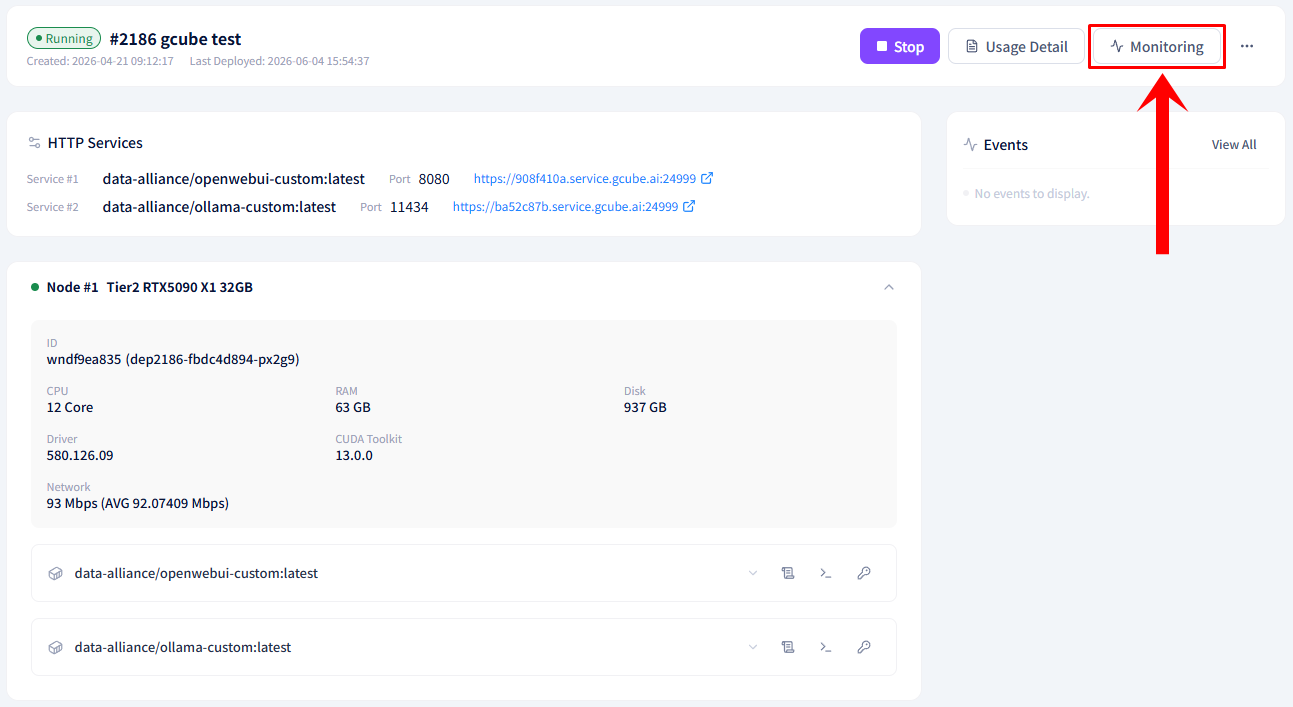
- The real-time monitoring screen will be displayed.
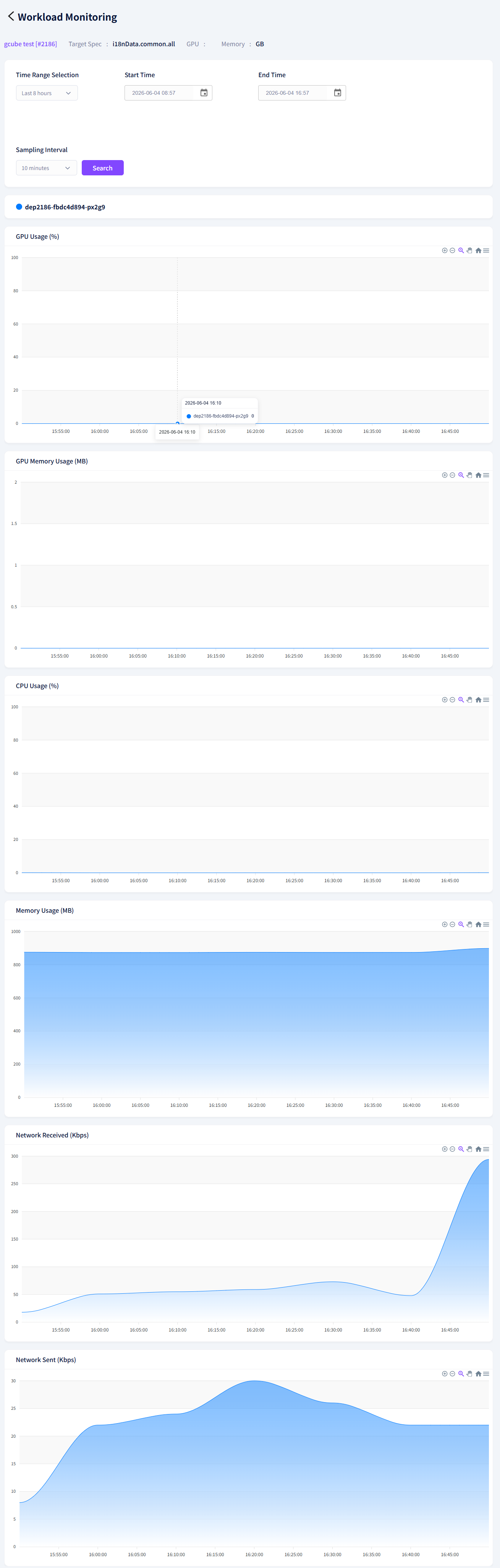
Available Metrics
| Metric | Unit |
|---|---|
| GPU Usage | % |
| GPU Memory Usage | MB |
| CPU Usage | % |
| Memory Usage | MB |
| Network Packets Received | Kbps |
| Network Packets Sent | Kbps |