Stop Workload
Stop a deployed workload.
Tip
Stopping a workload halts point deductions. Make sure to save your data before stopping.
Warning
If no backup storage is configured, all data and the environment from the running workload will be deleted upon termination. Set up Personal Storage in Storage Management beforehand.
How to Stop
- Click the Stop Deployment button for the workload you want to stop in the workload list.
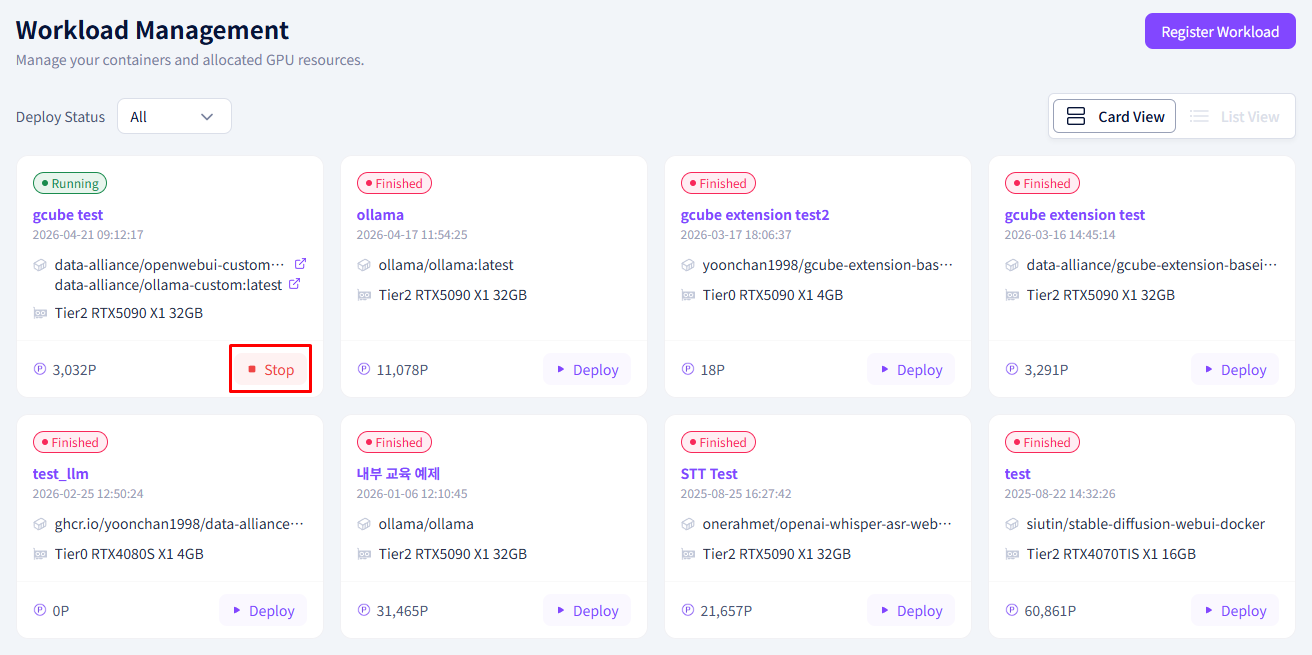
- Click the Confirm button in the confirmation popup.
- The workload status will change from Deployed → Stopped and the service will be terminated.
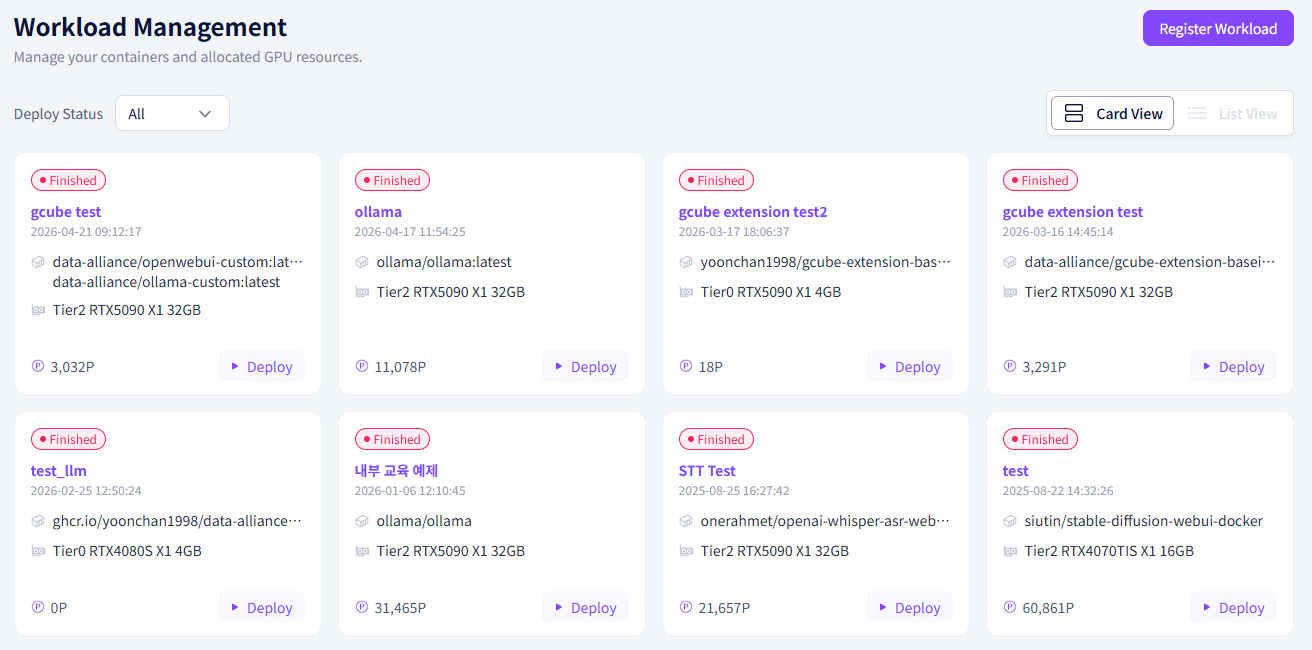
How to Preserve Data After Stopping
To preserve data after stopping a workload, you must connect Personal Storage in advance and configure it when registering the workload.
- Storage Management → Register personal backup storage connection
- When registering a workload → Select the storage under the Personal Storage field