Connect Node
Install the agent to connect your GPU to gcube.
Tip
Once a node is connected, your GPU is registered on the gcube platform and sharing begins.
Before You Begin
- A Windows PC or server with an NVIDIA GPU is required.
- The NVIDIA driver must be properly installed.
- You must be logged into your gcube account and have switched to Share Mode.
How to Connect
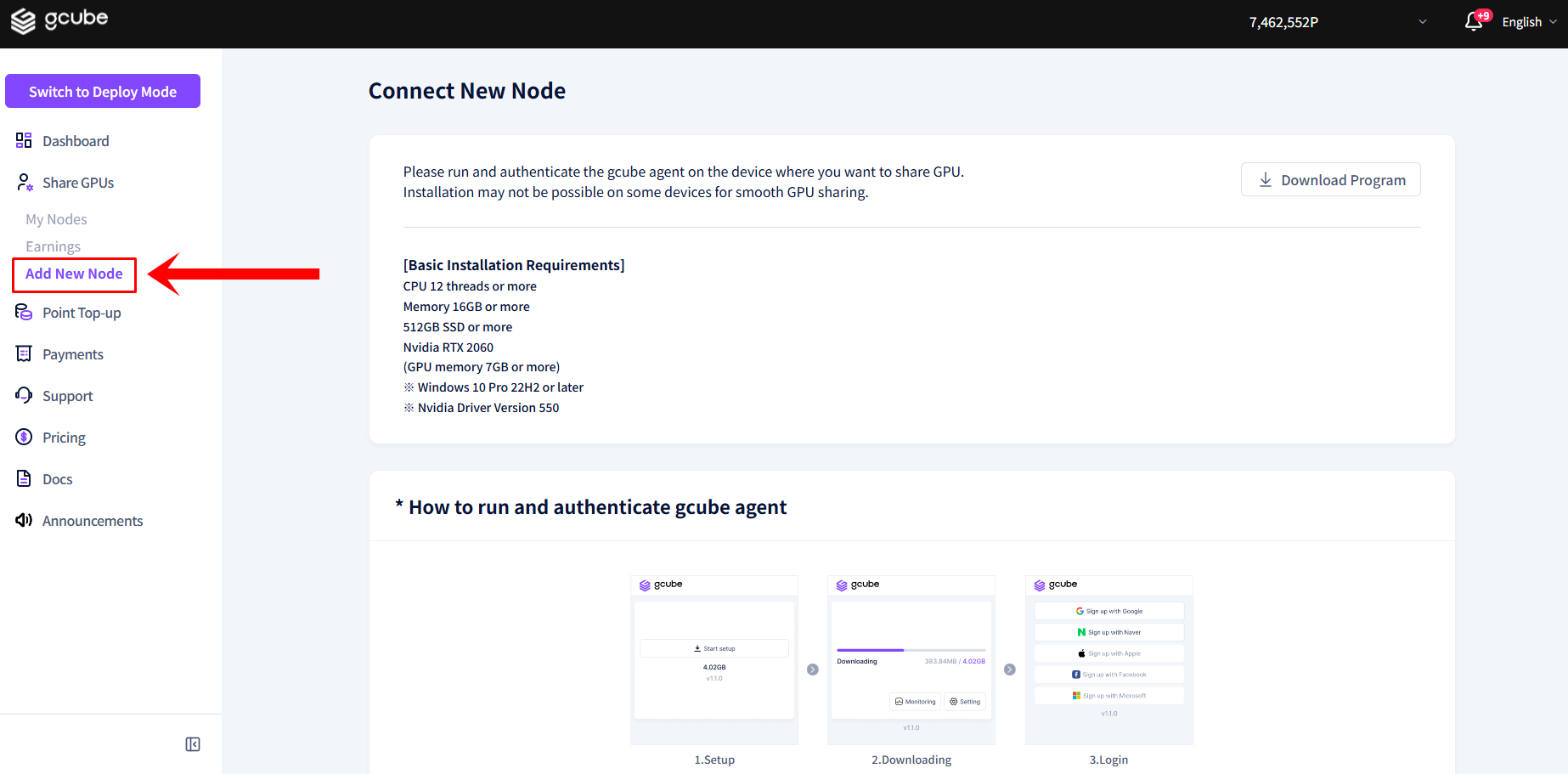
- Click Connect New Node in the left menu in Share Mode.
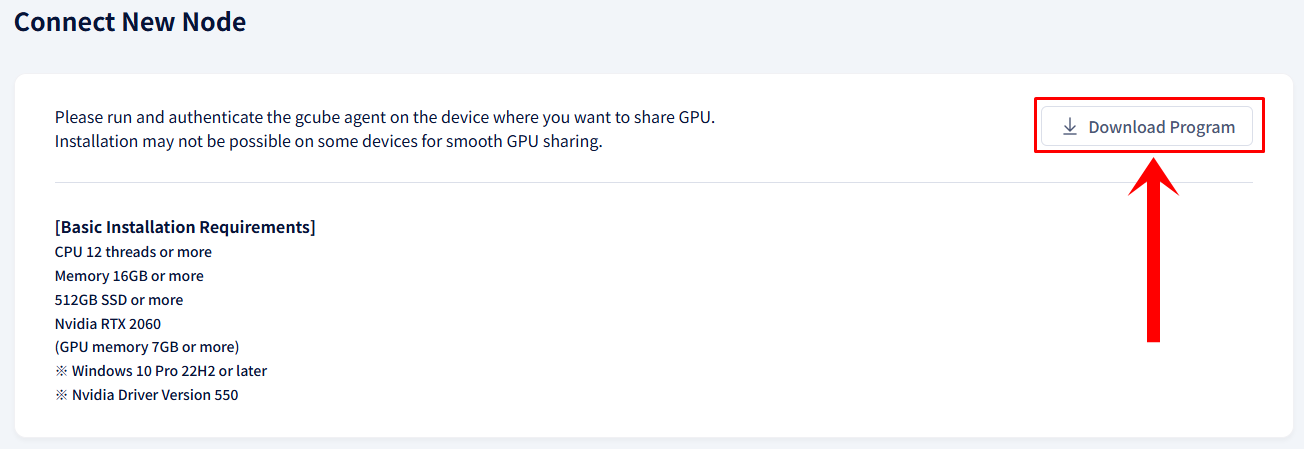
- Click the Download Program button to download the agent program.
- Run the downloaded installer and follow the on-screen instructions to complete the installation.
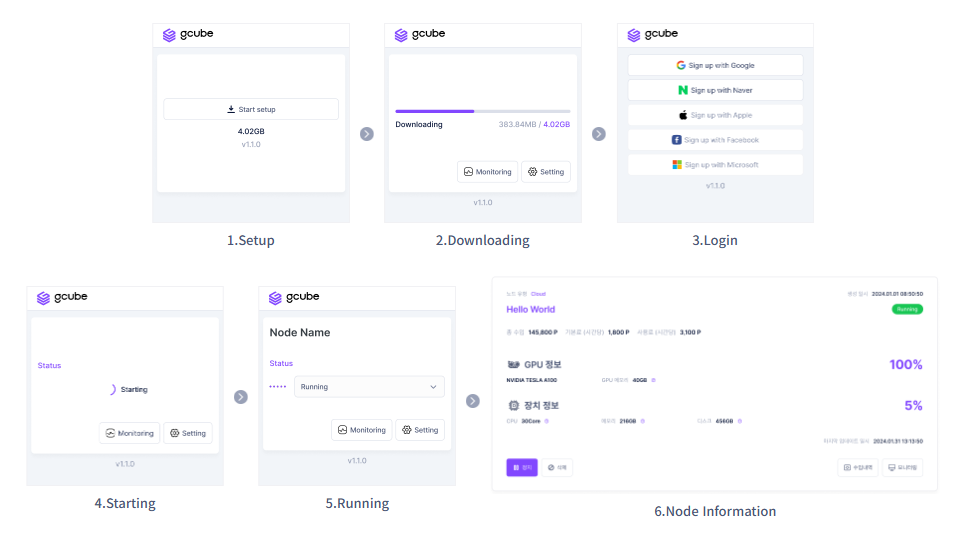
- Once installation is complete, GPU sharing will start automatically.
Warning
If the NVIDIA driver is not recognized, refer to the Troubleshooting guide.