Node Dashboard
Check your earnings and node operation status at a glance
Tip
The Node Dashboard is the first screen in Share Mode. You can check earnings, node status, and key notifications all in one place.
Available Information
| Item | Description |
|---|---|
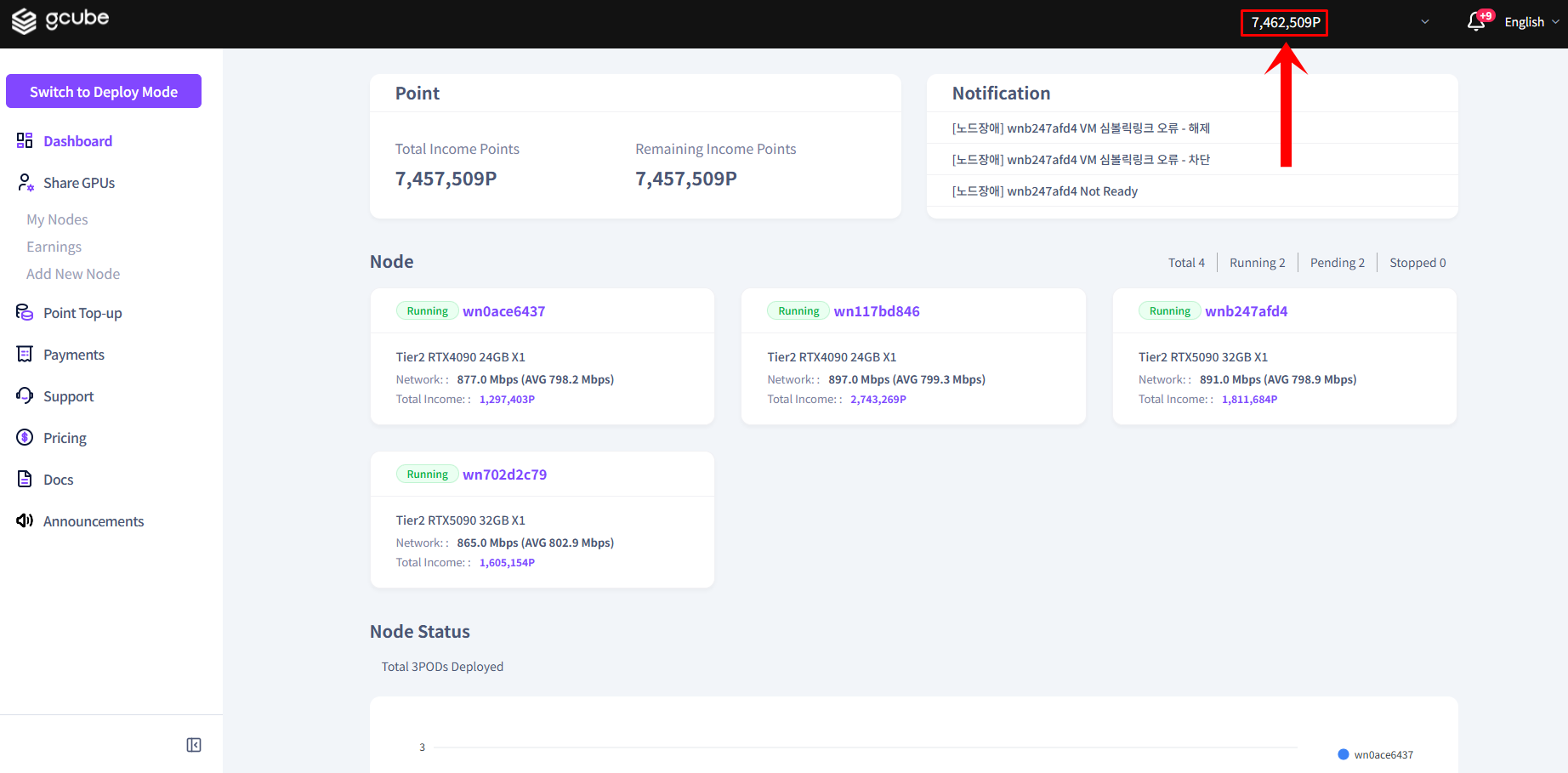
| Point Status | Total earnings history and remaining points after settlement |
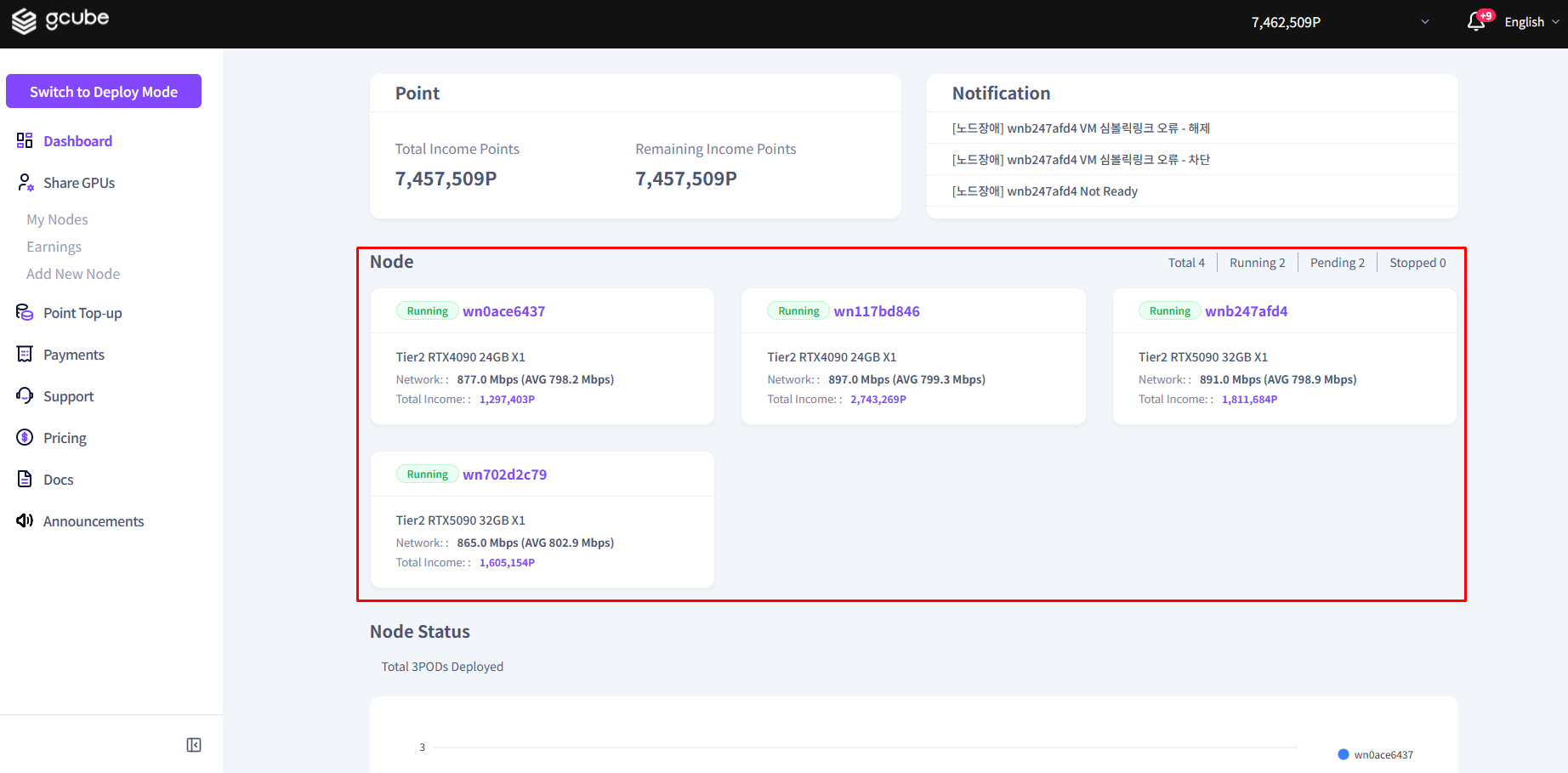
| Node Operation Status | Summary of active nodes (click a node name for details) |
| Key Notifications | Alerts related to node operation and platform usage |
How to Use the Dashboard
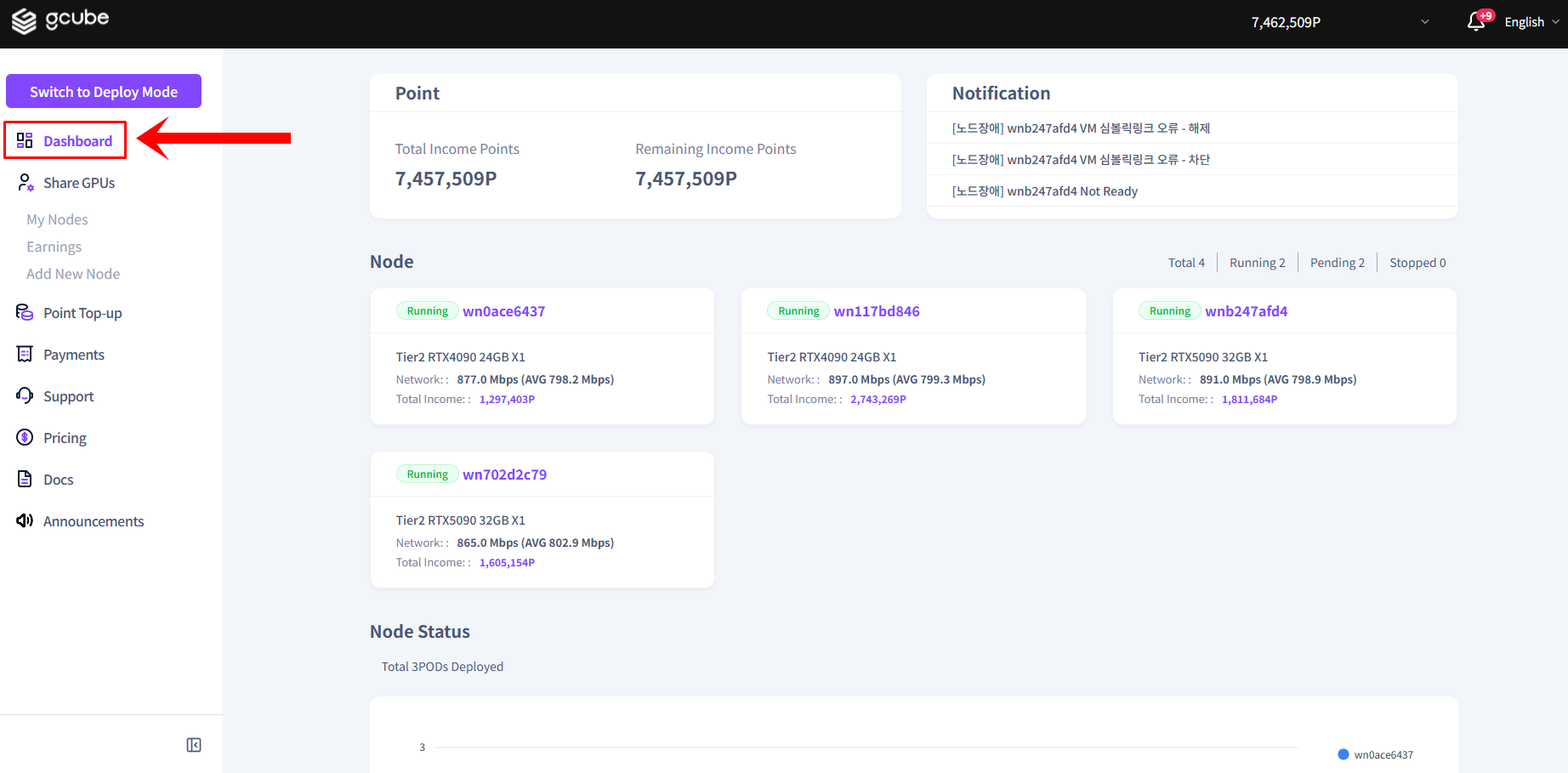
- In Share Mode, click Dashboard in the left menu.
- Check the point status and earnings information at the top.
- View the operation status of each node in the node list below. Click a node name to go to its detail page.
Warning
If no nodes are displayed, you have not connected a node yet. Follow the next steps below to connect a node.