Start and Stop Sharing
Pause or restart GPU sharing from the agent.
Tip
GPU sharing is started and stopped directly from the agent program. This is done through the agent app installed on your PC, not the console web page.
How to Stop Sharing
- Run the agent program on your PC.
- Click Running under the Status section in the center of the agent.
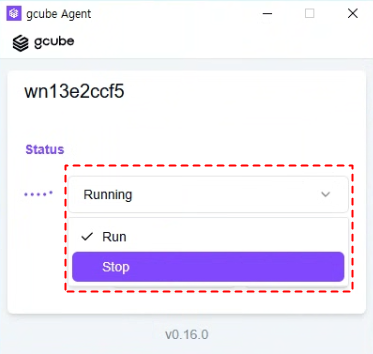
- Click Stop among the Run and Stop options.
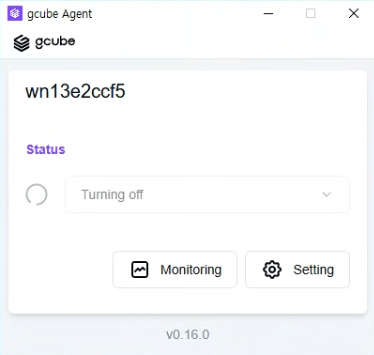
- Wait briefly after the status changes to Turning off.
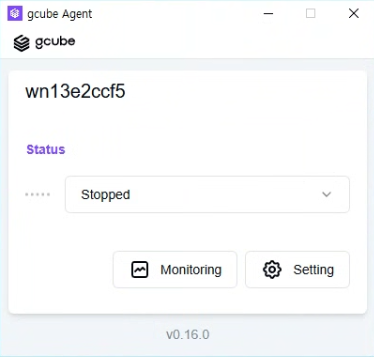
- When Stopped is displayed, sharing has been completely halted.
How to Restart Sharing
- Click Stopped under the Status section in the agent.
- Click Run to resume sharing.
Warning
While sharing is stopped, consumers cannot use your GPU and no earnings will be generated.